


Introduction
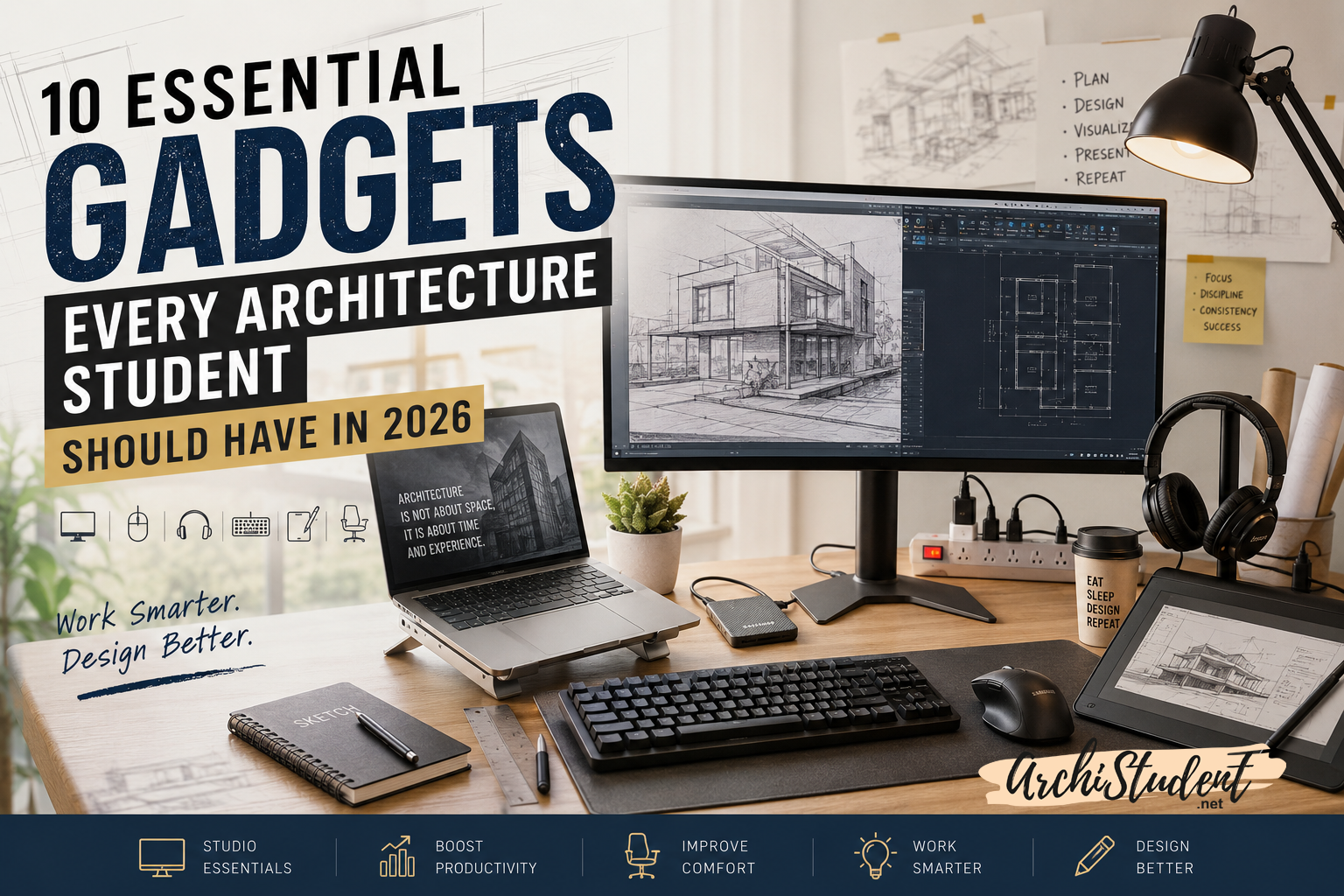
Architecture school can be exciting, creative, and rewarding. It can also mean long hours in the studio, late-night submissions, endless revisions, and countless hours spent in front of a screen.
While talent and hard work matter the most, having the right tools can make your daily workflow much smoother.
Whether you’re a first-year student learning drafting basics or a final-year student preparing your thesis presentation, these gadgets can help you stay productive, organized, and comfortable.
1. External Monitor
One of the biggest productivity upgrades for any architecture student is an external monitor.
Working on a laptop screen alone can feel cramped, especially when using software such as AutoCAD, Revit, SketchUp, Rhino, Photoshop, Illustrator, or Lumion.
A larger display provides more space for drawings, references, rendering windows, and presentations.
Benefits
✔ Better multitasking
✔ Reduced eye strain
✔ Improved drafting workflow
✔ More workspace for design software
Recommended Products
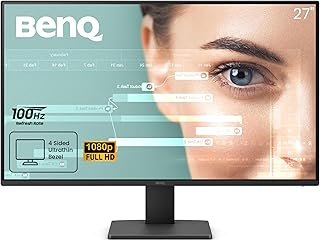
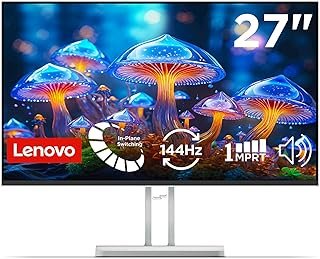
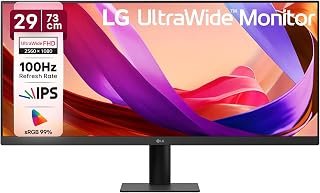
Check the list – https://amzn.to/4vL42im
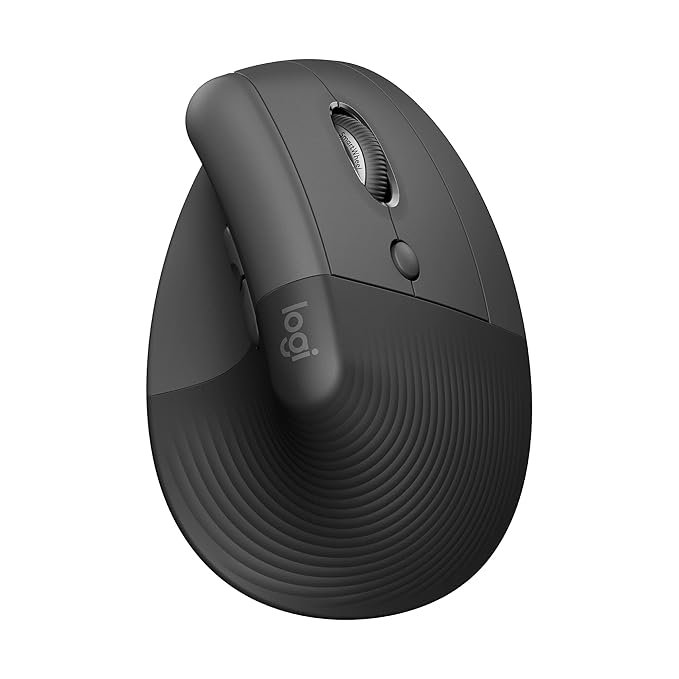
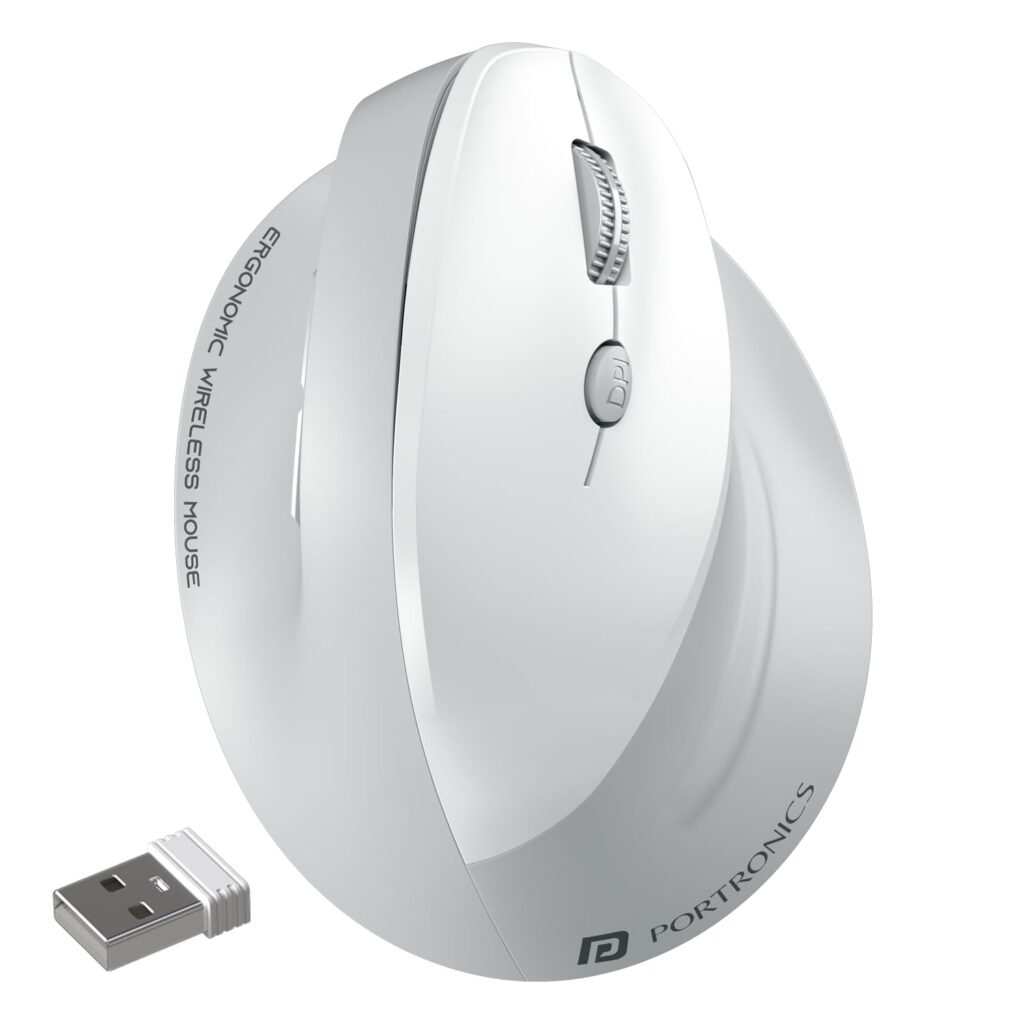
2. Ergonomic Mouse
Architecture students spend thousands of hours clicking, drafting, and modeling.
A quality ergonomic mouse improves precision and reduces wrist fatigue during long studio sessions.
Benefits
✔ Better control
✔ Comfortable for long working hours
✔ Improved productivity
Recommended Products

Check the list – https://amzn.to/4y5pBfd
3. External SSD

Project files, renderings, portfolios, and presentation sheets can quickly consume laptop storage.
An external SSD helps store important work while offering fast transfer speeds and reliable backup.
Benefits
✔ Faster file transfers
✔ Secure project backups
✔ Extra storage space
Recommended Products
Checkout the List – https://amzn.to/4p3QZ99
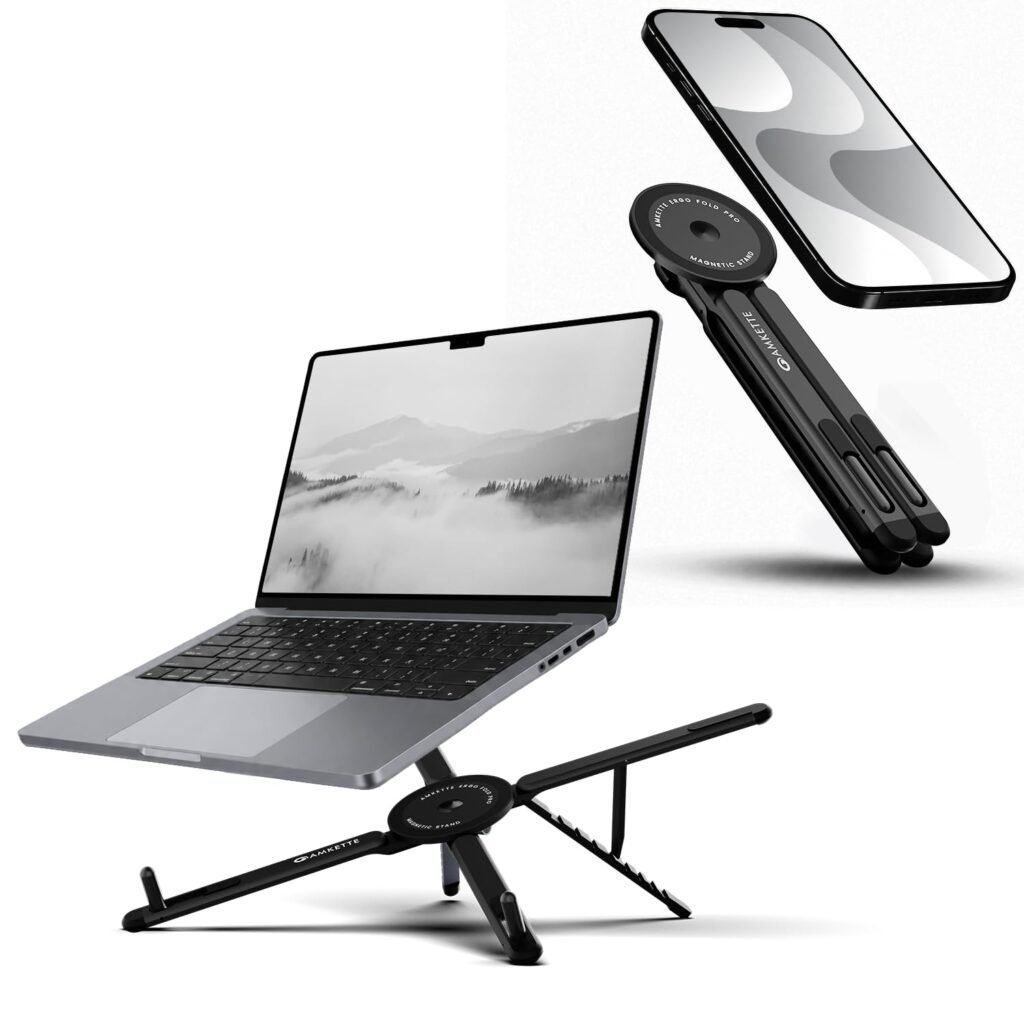
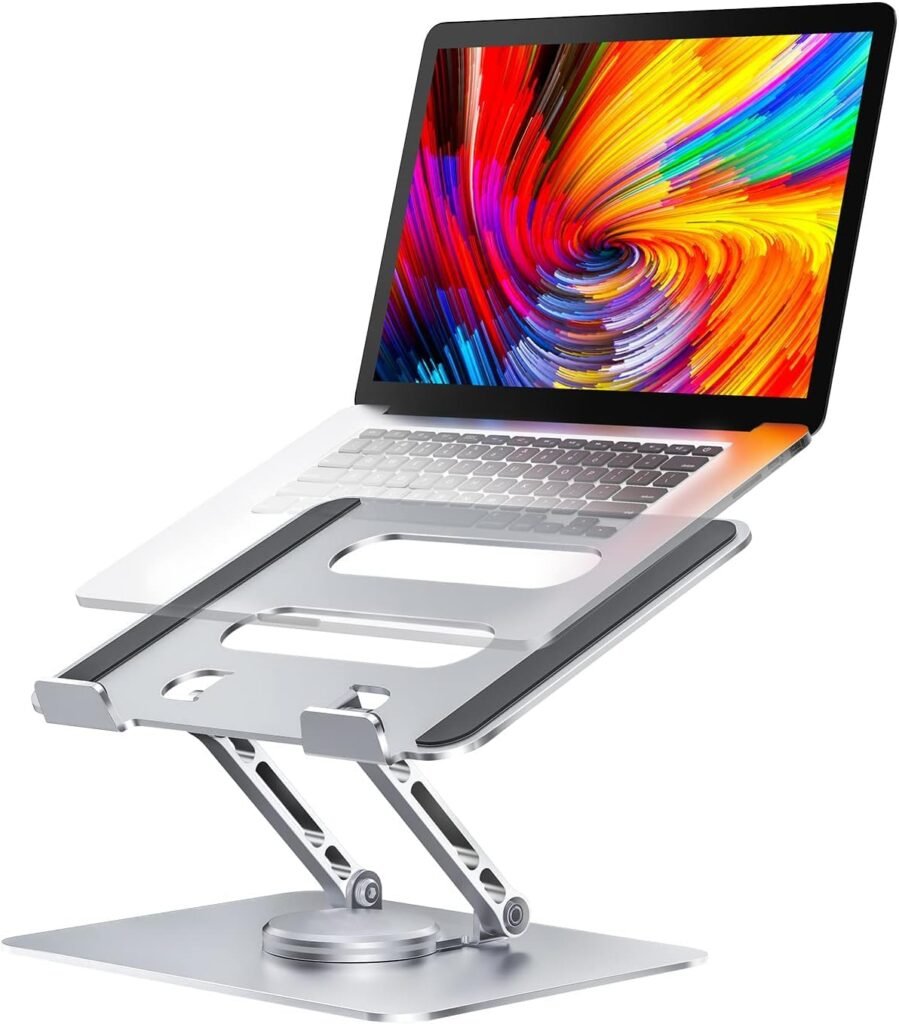
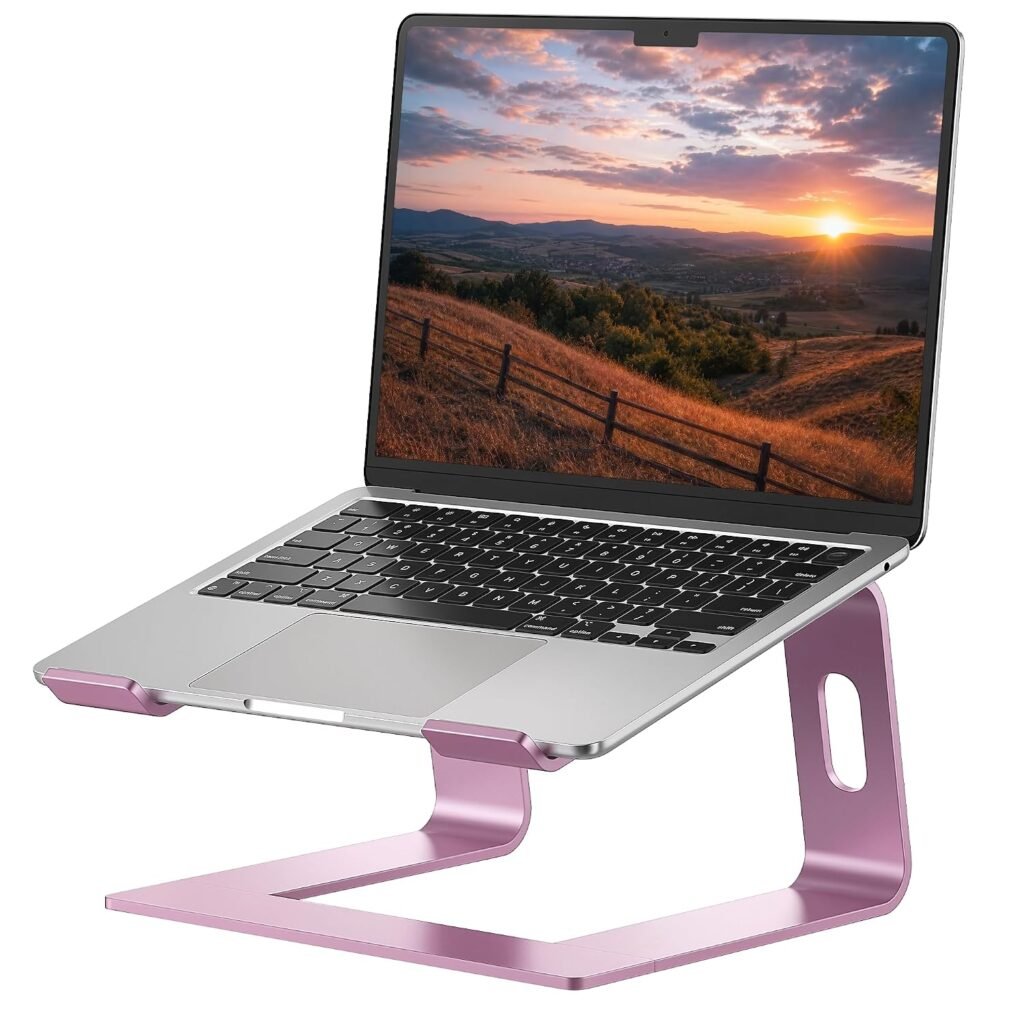
4. Laptop Stand
Good posture is often ignored until discomfort appears.
A laptop stand raises your screen to eye level and helps create a more ergonomic workspace.
Benefits
✔ Better posture
✔ Reduced neck strain
✔ Improved laptop cooling
Recommended Products
Checkout the List – https://amzn.to/4bsezqz
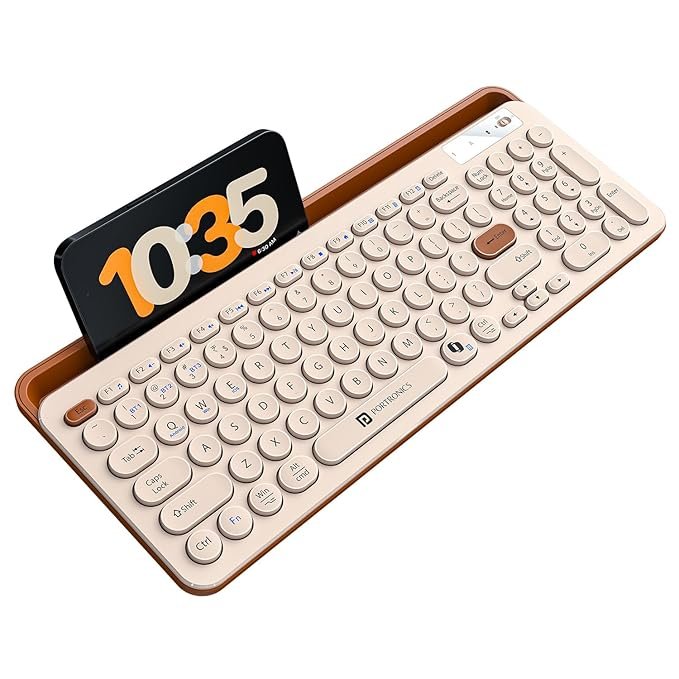
5. Wireless Keyboard
Pairing a laptop stand with a wireless keyboard creates a more comfortable workstation.
This simple addition can improve typing comfort and overall productivity.
Recommended Products
Checkout the List – https://amzn.to/4fghtRA
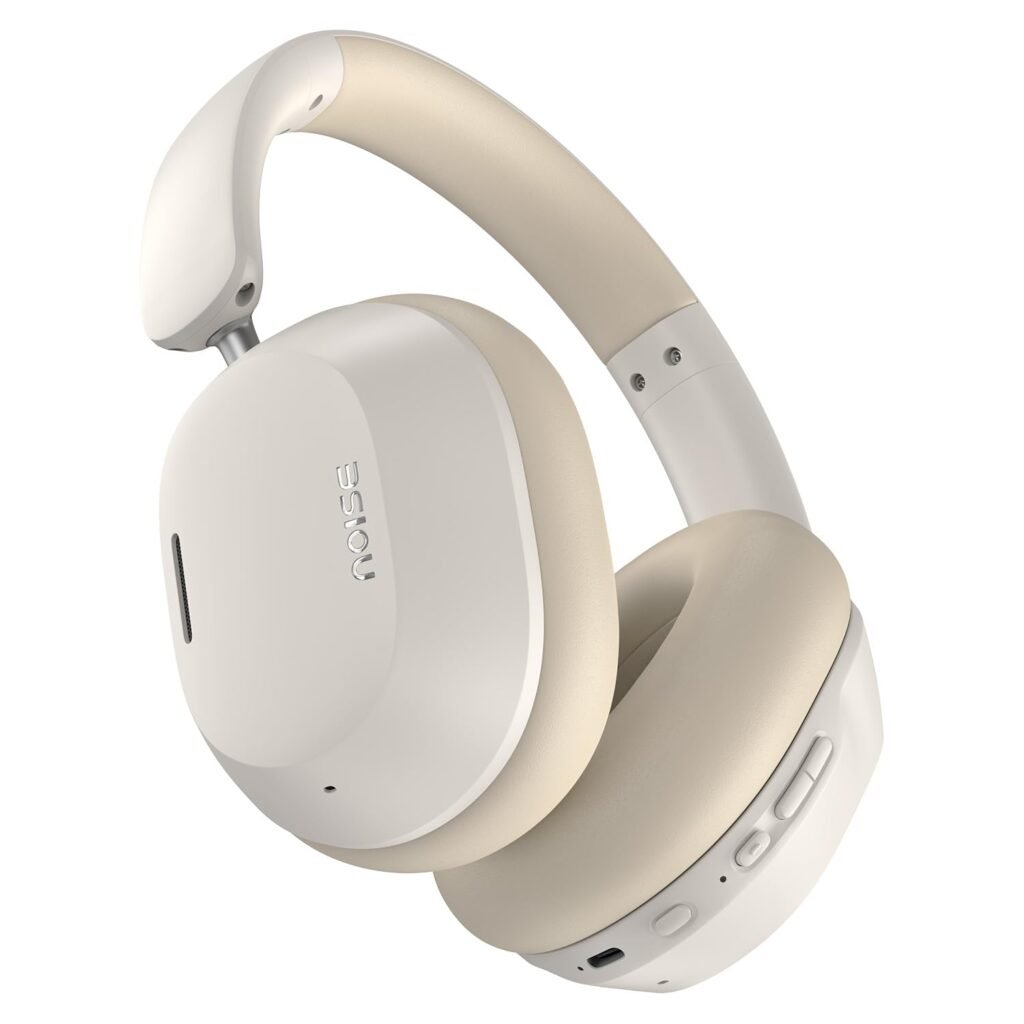
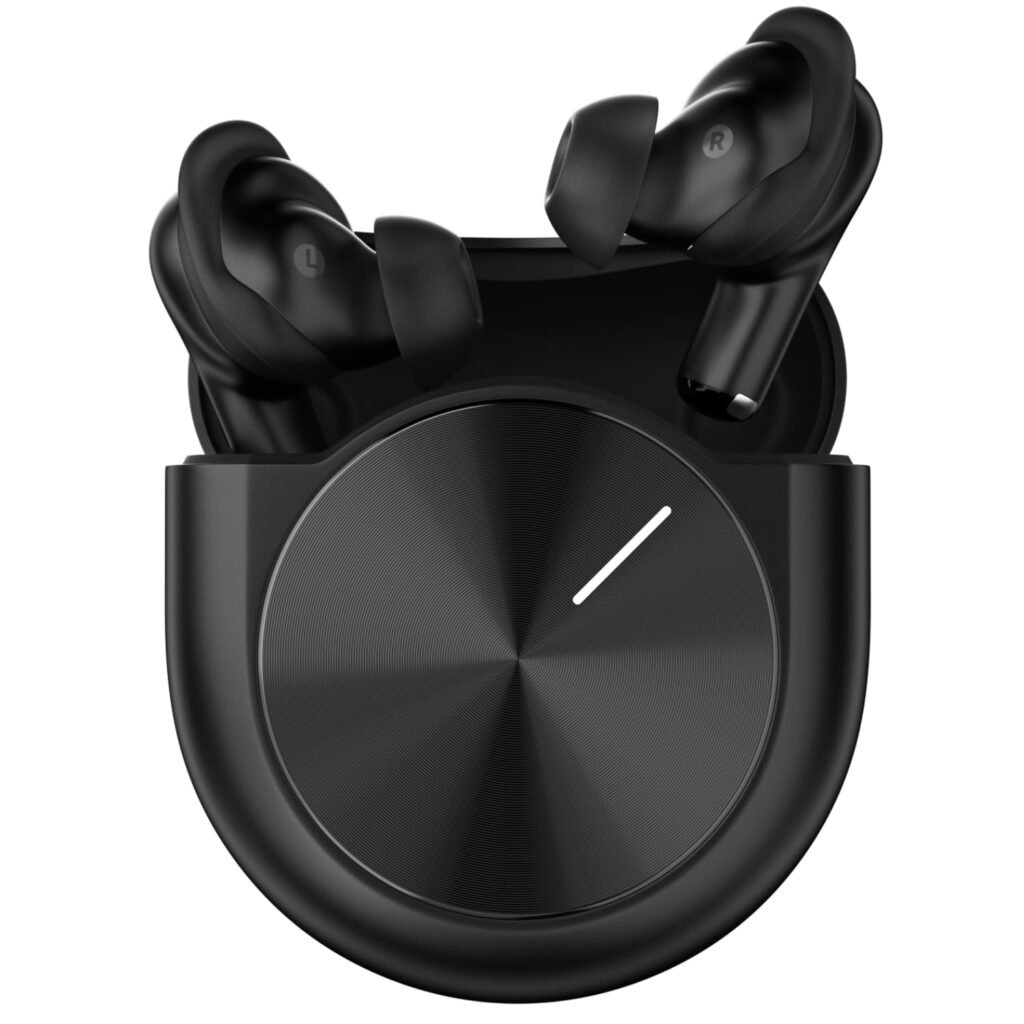
6. Noise-Cancelling Headphones
Studios, hostels, cafés, and libraries are not always quiet.
Noise-cancelling headphones help maintain focus during deadlines and intensive design work.
Benefits
✔ Better concentration
✔ Useful for online classes
✔ Improved productivity
Recommended Products
Checkout the List – https://amzn.to/4fgVdqO
7. Drawing Tablet
Digital sketching is becoming increasingly common in architecture education.
A drawing tablet can be useful for concept sketches, diagram creation, rendering touch-ups, and graphic presentations.
Benefits
✔ Faster sketching
✔ Better design presentations
✔ Improved graphic workflow
Recommended Products – https://amzn.to/44dgYl1
8. Desk Lamp
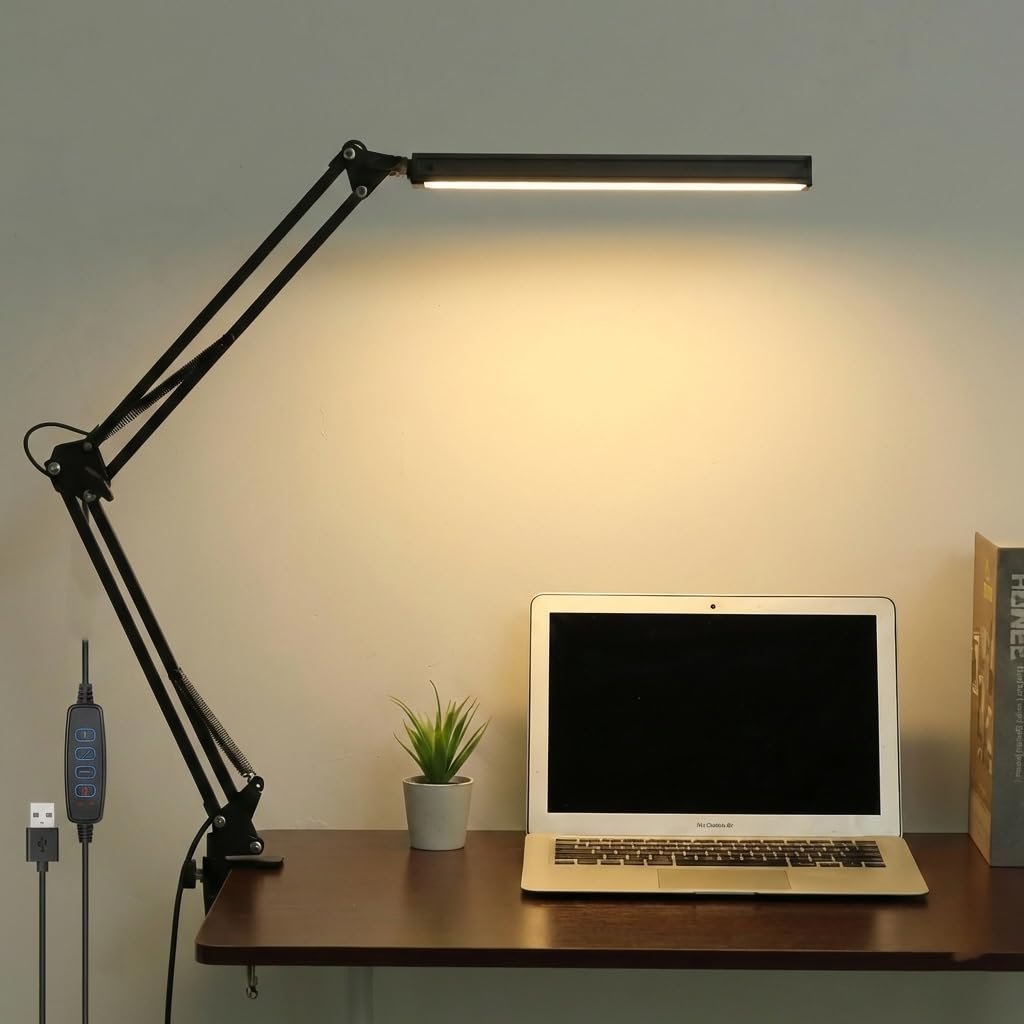
Many architecture students work late into the night.
A quality desk lamp improves visibility and reduces eye strain during extended work sessions.
Benefits
✔ Better lighting
✔ Reduced eye fatigue
✔ Improved study environment
Recommended Products – https://amzn.to/3Re77Zn
9. Surge Protector
Your laptop, monitor, storage devices, and chargers represent a significant investment.
A surge protector helps protect your equipment from sudden voltage fluctuations.
Benefits
✔ Equipment protection
✔ Safer workspace
✔ Multiple device connections
Recommended Products – https://amzn.to/4vgJugx
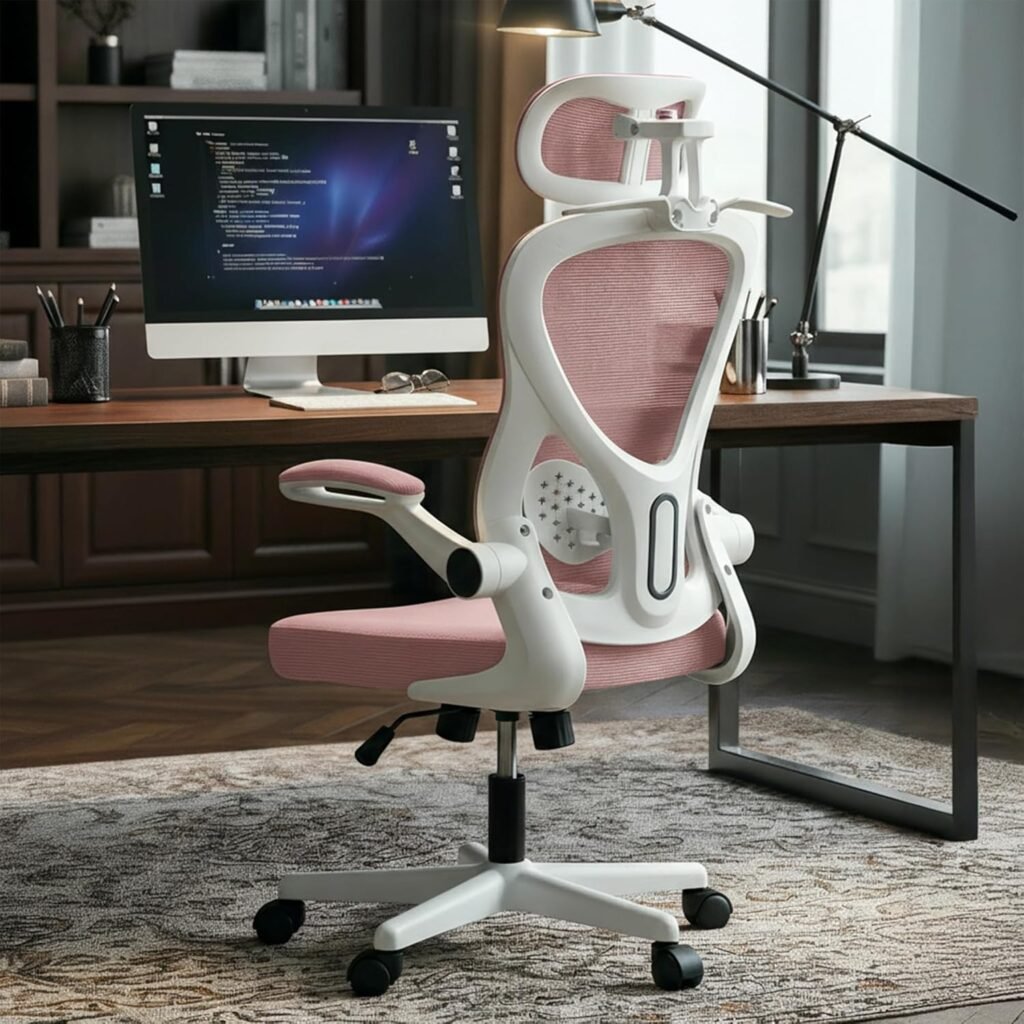
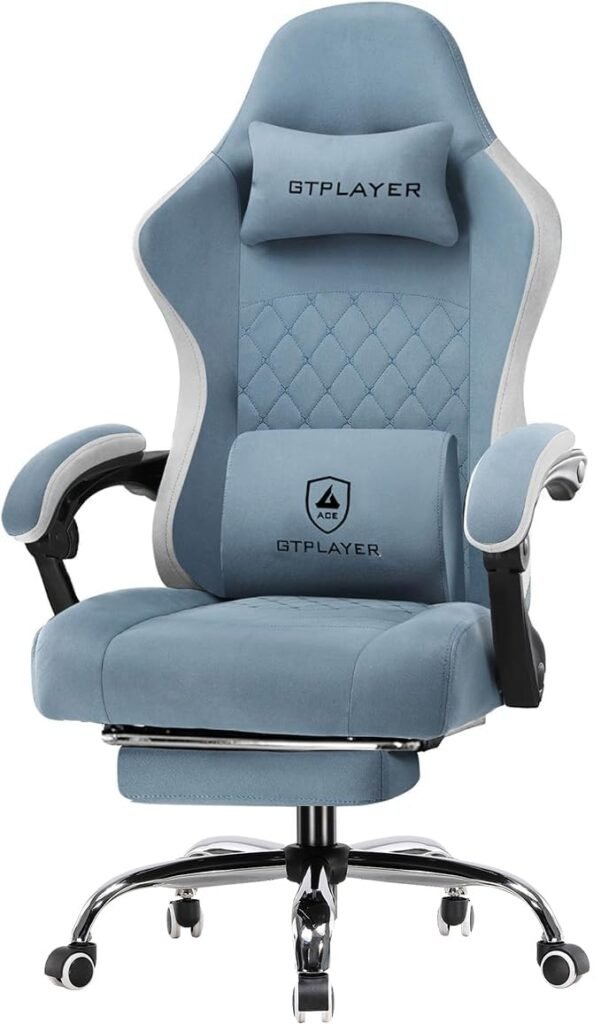
10. Ergonomic Chair
Perhaps the most underrated investment for architecture students.
A supportive chair can improve posture and reduce discomfort during long studio hours.
Benefits
✔ Better posture
✔ Reduced back pain
✔ Improved comfort
Recommended Products
Checkout the List – https://amzn.to/4b5XhPS
Frequently Asked Questions
What gadgets do architecture students need?
The most useful gadgets include an external monitor, ergonomic mouse, external SSD, drawing tablet, laptop stand, and a comfortable office chair.
Is an external monitor necessary for architecture students?
While not mandatory, an external monitor significantly improves productivity when working with CAD, BIM, rendering, and graphic design software.
Are drawing tablets useful for architecture students?
Yes. Drawing tablets are excellent for conceptual sketching, digital illustrations, presentations, and image editing.
What is the best gadget upgrade for architecture students?
For most students, an external monitor provides the biggest productivity improvement at a reasonable cost.
Final Thoughts
Success in architecture school depends on creativity, discipline, and dedication. However, the right tools can make everyday tasks easier and more enjoyable.
You don’t need to buy everything at once. Start with the upgrades that solve your biggest challenges and gradually build a workspace that supports your learning and design process.
Disclosure: Some of the links in this article may be affiliate links. This means ArchiStudent may earn a small commission if you purchase a product through these links, at no additional cost to you. We only recommend products that we believe can genuinely benefit architecture students and professionals.
