

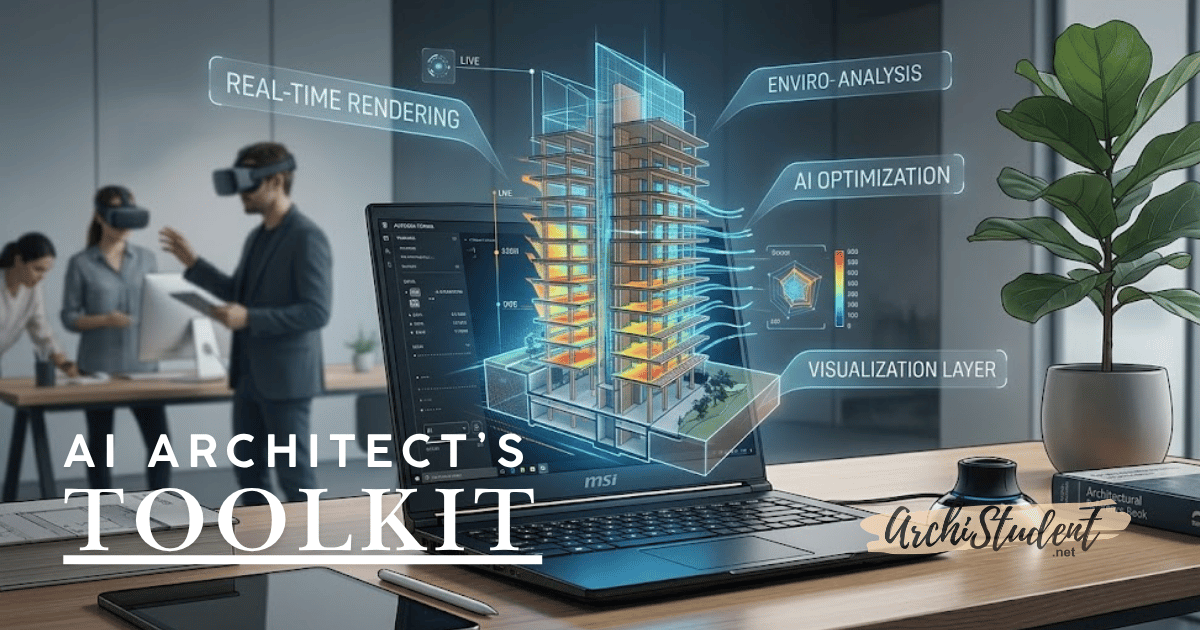

In May 2026, the conversation in the design world has shifted. We are no longer asking if Artificial Intelligence will replace architects; we are asking how quickly we can integrate it to keep up with the competition.
From the “topping out” of Herzog & de Meuron’s Tour Triangle in Paris to the rise of biophilic skyscrapers, the scale of our projects is growing. To manage this complexity, the modern architect needs more than just a sketchbook and a basic CAD license. You need a workstation and a workflow that can handle the “Hybrid Era” of design.
Here are the top AI tools and hardware essentials every architect should be looking at this month.
1. Beyond the “Blank Canvas”: Midjourney v7 & LookX AI
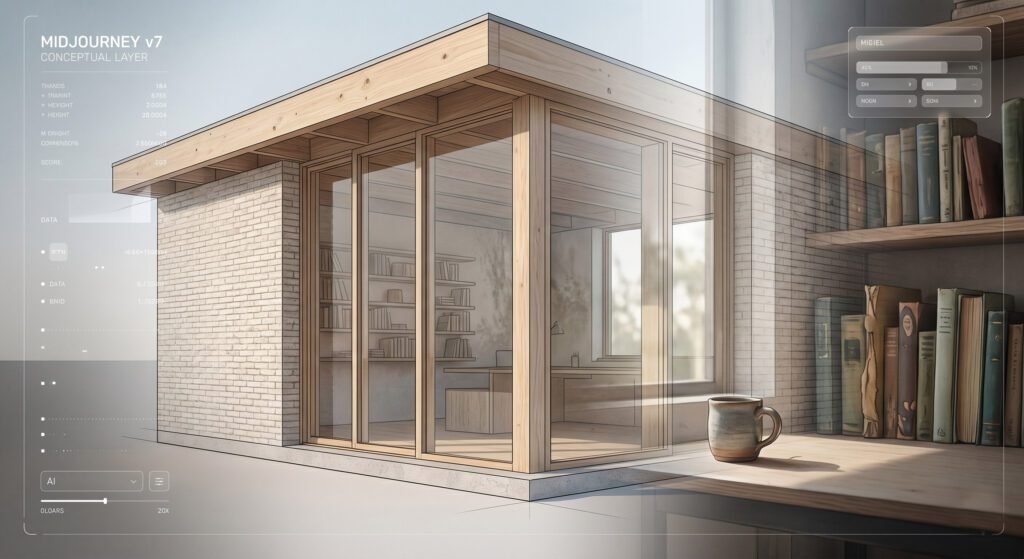
The “blank page” syndrome is officially dead. This month, architects are heavily searching for Midjourney v7 and LookX AI to spark initial concepts.
While Midjourney remains the king of cinematic mood-boarding, LookX AI has become the industry favorite for its “architectural intelligence.” It understands structural logic, meaning it won’t just put a random window on a wall—it understands massing, materials, and light.
- Pro Tip: Use these tools to generate “The Lived-In Look”—a major 2026 trend where renders include realistic “clutter” like coffee cups and open books to make spaces feel human.
- The Affiliate Must-Have: To see the nuanced textures AI generates, you need a high-gamut display. The ASUS ProArt Display 4K is the gold standard for color accuracy.
2. Real-Time Rendering: Veras & D5 Render
The days of “overnight rendering” are over. Plugins like Veras (for Revit, Rhino, and SketchUp) allow you to take a basic 3D massing model and turn it into a photorealistic render in seconds using text prompts.
Because these tools use Real-Time Ray Tracing, your hardware is more important than ever. If your laptop fans sound like a jet engine when you open Enscape or D5, it’s time for an upgrade.
- Hardware Recommendation: The MSI Raider 18 HX or the Razer Blade 16 equipped with an NVIDIA RTX 50-series GPU. These cards are specifically optimized for the AI “denoising” tasks that make modern renders look so crisp.
3. Data-Driven Design: Autodesk Forma
Sustainability is the most searched topic in architecture for a reason. Autodesk Forma (formerly Spacemaker) uses AI to run complex wind, sun, and noise simulations the moment you begin a site plan.
In 2026, clients want to see the “Digital Twin” before the first brick is laid. They want to know exactly how much solar gain a building will have in July versus January.
- The Essential Book: For those wanting to master this logic, The Routledge Companion to Artificial Intelligence in Architecture is a vital addition to your professional library.
4. Immersive Validation: VR & The Meta Quest 3
We are seeing a massive spike in “Immersive VR” searches this month. Architects are using headsets to walk clients through projects to identify “design friction” early on. Walking through a 1:1 scale model of a lobby helps catch MEP clashes that a 2D screen might miss.
- The Tech: The Meta Quest 3 or Quest Pro is currently the best-value entry point for architectural VR, offering wireless freedom during client presentations.
5. The “Physical” AI Interface: 3Dconnexion SpaceMouse

As AI handles the rendering, the architect’s job becomes more about curation and navigation. You are moving through 3D space more than ever. Using a standard mouse to navigate a complex BIM model is like trying to paint a masterpiece with a brick.
- The Cult Favorite: The 3Dconnexion SpaceMouse Wireless. It allows you to simultaneously pan, zoom, and rotate 3D models with one hand while your other hand uses a traditional mouse or stylus. It is a “buy-it-for-life” tool that significantly reduces wrist strain.
Final Thoughts: Designing in the Hybrid Era
The most successful architects this year aren’t the ones who can prompt the best; they are the ones who know how to bridge the gap between AI-generated speed and human-centered design.
Whether you are upgrading your GPU to handle the latest AI visualizers or investing in a VR headset for better client communication, the goal remains the same: Spend less time fighting your software and more time designing for people.
Also check for this free AI Architectural Rendering Series – Free Architecture Prompts
This free guide includes 5 advanced, plug-and-play prompts, each broken down by Context, Massing, Materials, Surrounds, Atmosphere, Composition, and Output parameters
What’s in your 2026 toolkit? Let us know in the comments below!
(Disclaimer: As an Amazon Associate, I earn from qualifying purchases.)
